Supplier product photos: preparing a consistent catalog
An intake and review procedure for images with different backgrounds, crops and quality before batch processing.
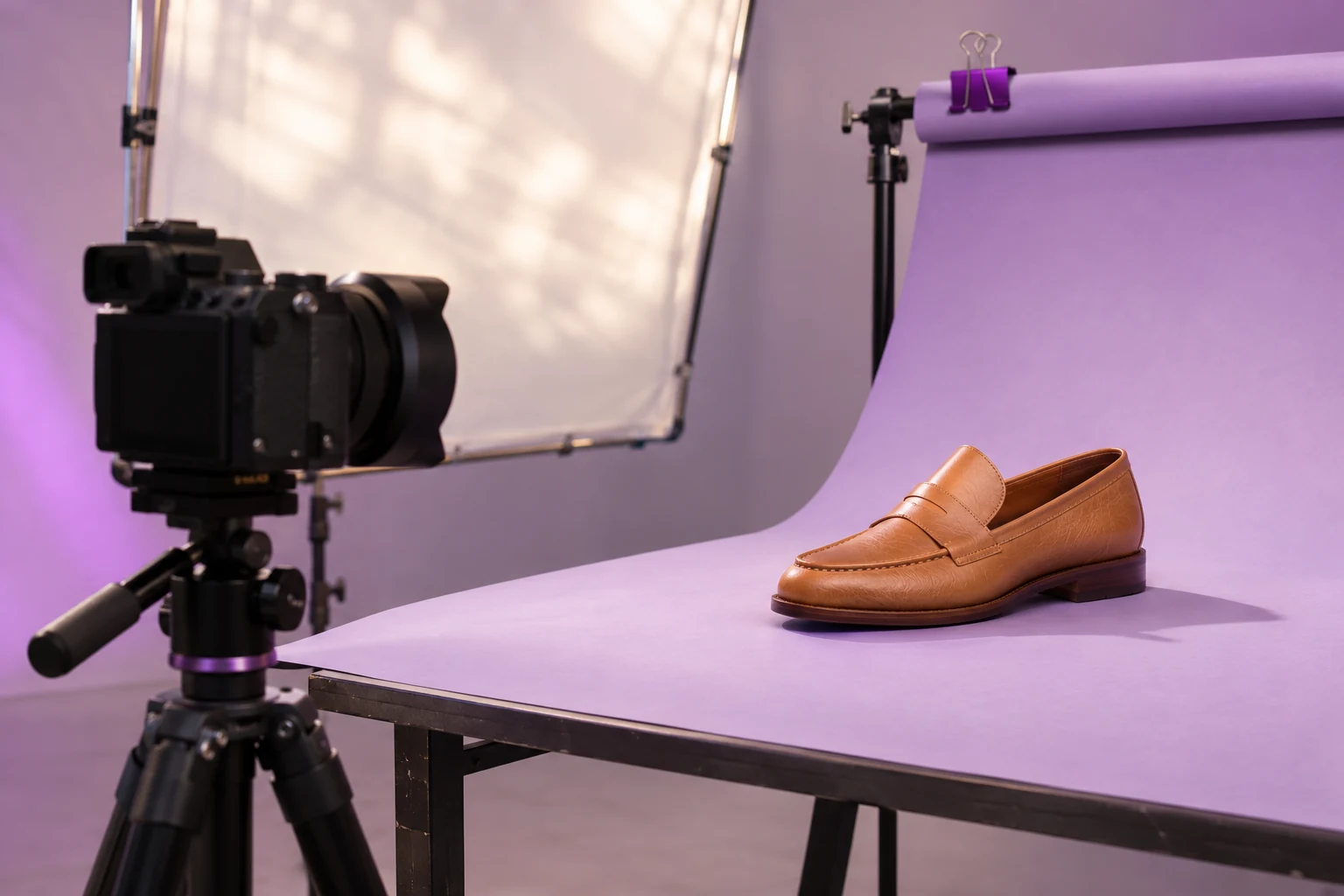
When suppliers use different photography standards, problems arise before editing. Files may lack views, clip products or fail to identify variants. A useful intake procedure separates processable sources from those requiring a new delivery.
Agree on a minimum delivery
Provide a specification covering views, identifiers and file characteristics. Ask for complete products and recognizable variants. Request details or measurements explicitly; centering cannot reconstruct them.
Review completeness before style
Match photos to product references and check views. A perfectly centered image of the wrong color remains a catalog error. Preserve the connection between received file, supplier and product for later clarification.
Group by the problem to solve
- Complete sources with inconsistent margins.
- Shots needing background removal.
- Images with brightness differences.
- Insufficient or unconfirmed sources.
These groups may need different treatments. Avoid automatically applying every finishing option to every file.
Approve a representative sample
For each new supplier, process representative sources in Centyr. Inspect cutouts, detail and grid appearance. Include glass and reflective surfaces early if present in the batch. Record options available and used on your plan.
Close the feedback loop
Collect examples requiring correction and use them to improve future deliveries. Keep originals separate from approved outputs. This workflow assumes no automatic connection between Centyr and folders, management systems or stores; assign responsibility for uploading, downloading and publishing.