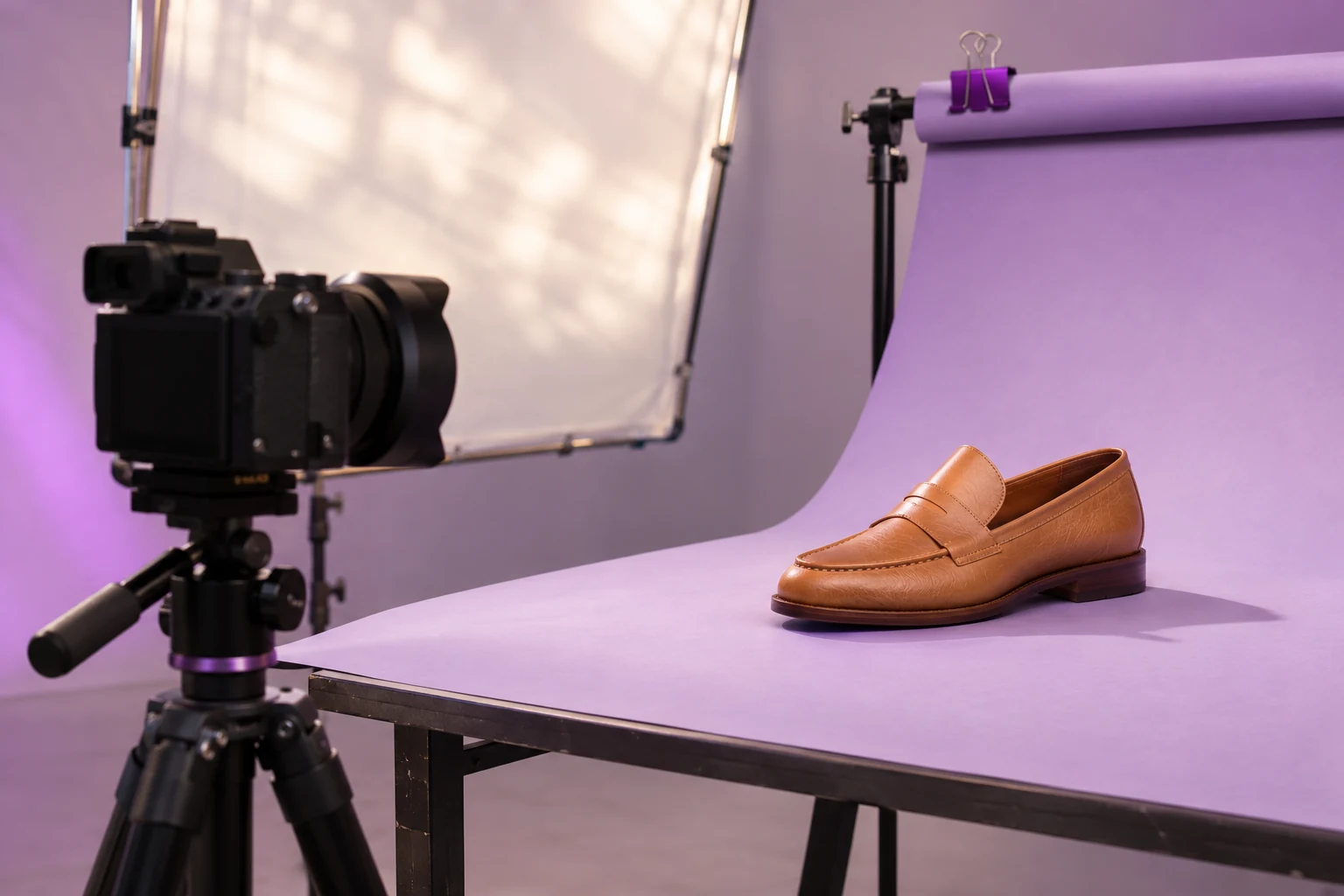
How to define an e-commerce catalog image standard
Document views, backgrounds, dimensions, margins and approval criteria before processing your catalog.

An image standard is a shared working agreement. It tells photographers, suppliers and commerce teams what to deliver and approve. More than a reference file, it explains which variations are acceptable and which need review.
Start with destinations
List where images will appear: store grids, product pages and external channels. Record canvas ratio, dimensions and background type for each. Verify current channel instructions without turning them into universal rules for the entire catalog. Keep outputs separate when destination needs differ.
Write a short, testable specification
- View: front, three-quarter, rear or detail.
- Canvas: width and height in pixels.
- Framing: margin and centering rules.
- Background: color, transparency or scene.
- Treatment: shadow, brightness and retouching limits.
- Delivery: filenames, folders and approval owner.
Avoid descriptions such as “beautiful photo” or “large product”: they cannot be checked consistently.
Allow product-family exceptions
One rule may not suit long garments, wide objects or accessories with protruding parts. Define a few families and approve a sample for each. Avoid changing the overall standard for every difficult product. A contextual photograph can follow different rules from the same item’s packshot.
Apply the standard to the real workflow
In Centyr, configure the options available on your plan and inspect an exported sample. Keep the specification outside the software too: it records intentions and checks independent of the interface. Do not assume a standard is saved and automatically applied to every future upload.
Know when to revise it
Review the standard when the store layout changes, a category is added or destination needs change. Assign a version and approval date. Compare new outputs with published images before replacing the catalog; continuity also depends on the transition between versions.